You ask Claude for a report, a note or a course; it writes a short Markdown source; the skill turns it into a page like this one: Latin Modern, diamond rules, formulas, boxes, light and dark theme, A4 PDF if you want one.
1How it works
The work is split in two. Claude writes the substance: the text, formulas, diagrams and toys, in a source where each need has a fixed form. The script textured.py does all the formatting, always the same way: numbering, table of contents, cross-references, pre-rendered formulas, embedded fonts and images, then a check that returns a one-line report; Claude fixes the source until the report is clean (Figure 1).
Three rules apply to every page. Claude picks an ink based on the subject, and the page derives its pastels from it. Exercises and MCQs only appear on request. Nothing is published unless you ask.
2What it looks like
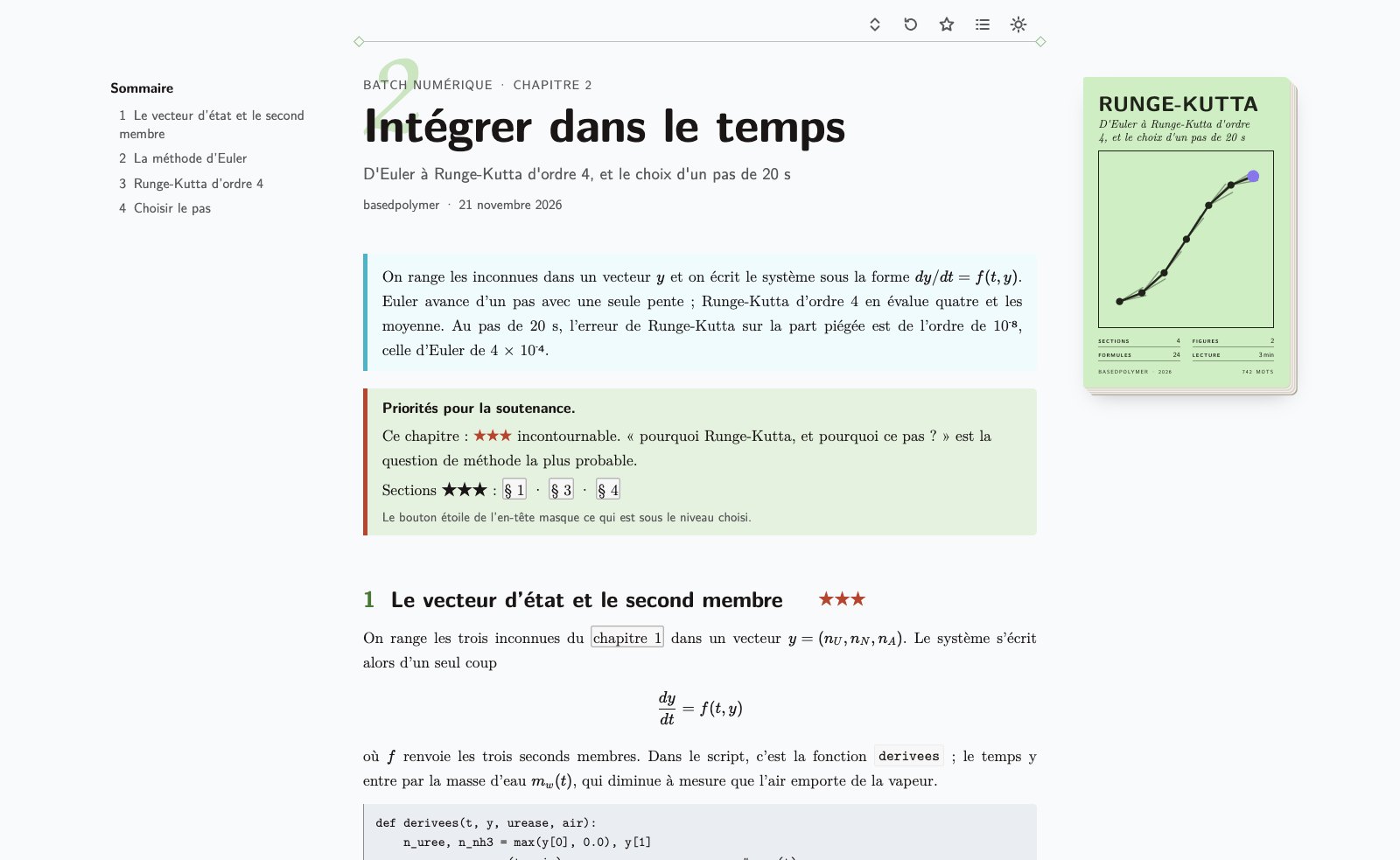
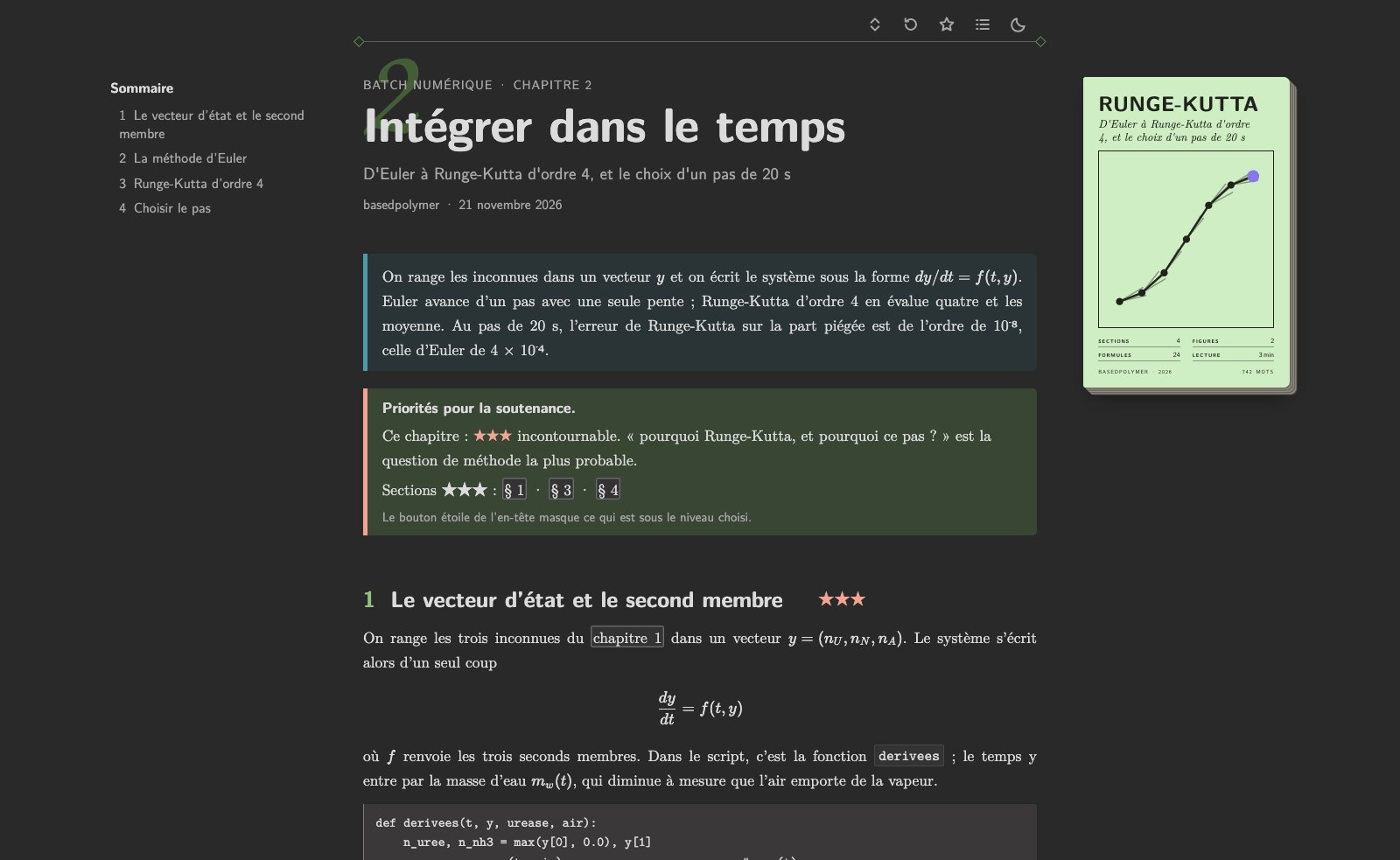
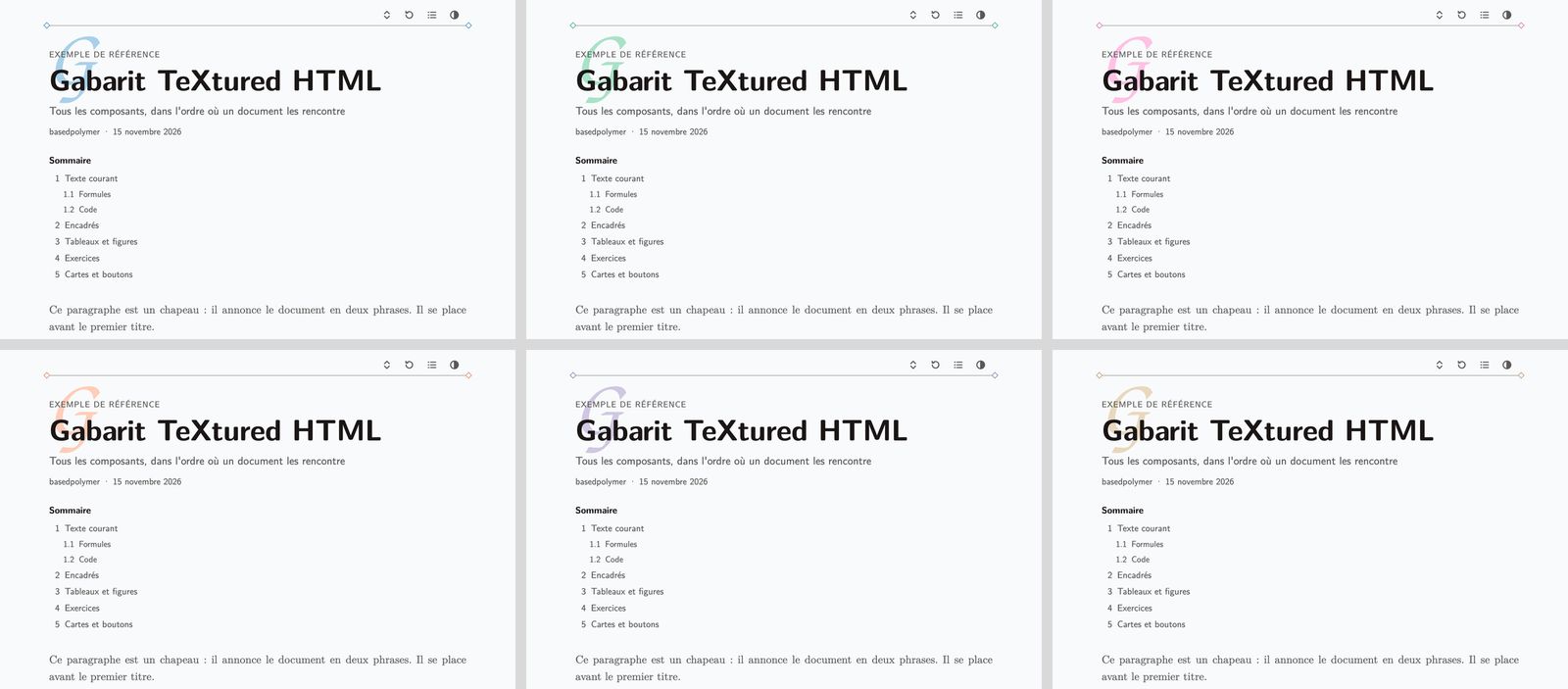
A course is a folder of chapters linked together. Each chapter opens with a priorities box built from the ★★★ markers placed in the source (Figure 5), and its interactive figures follow the ink and the theme.
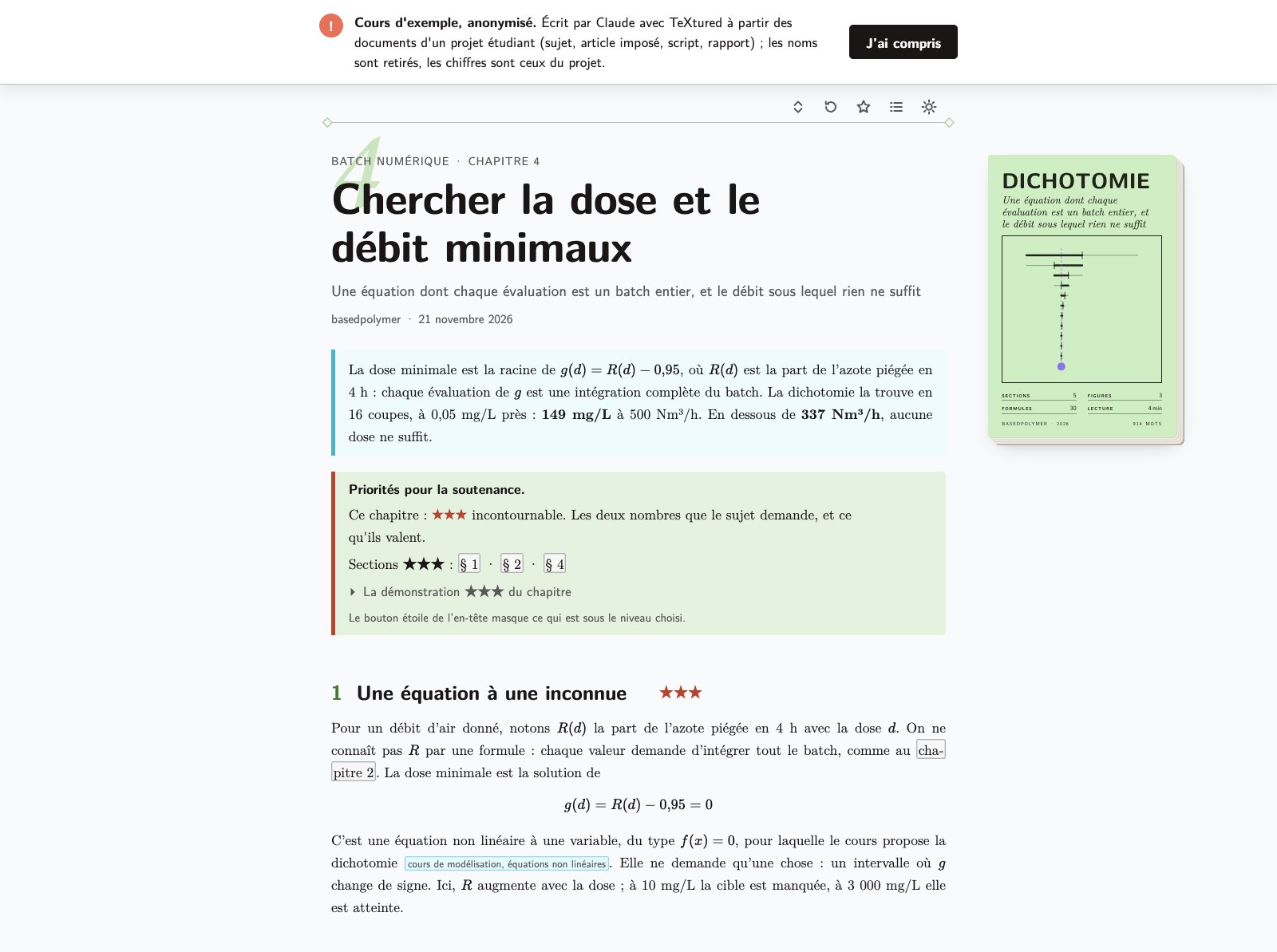
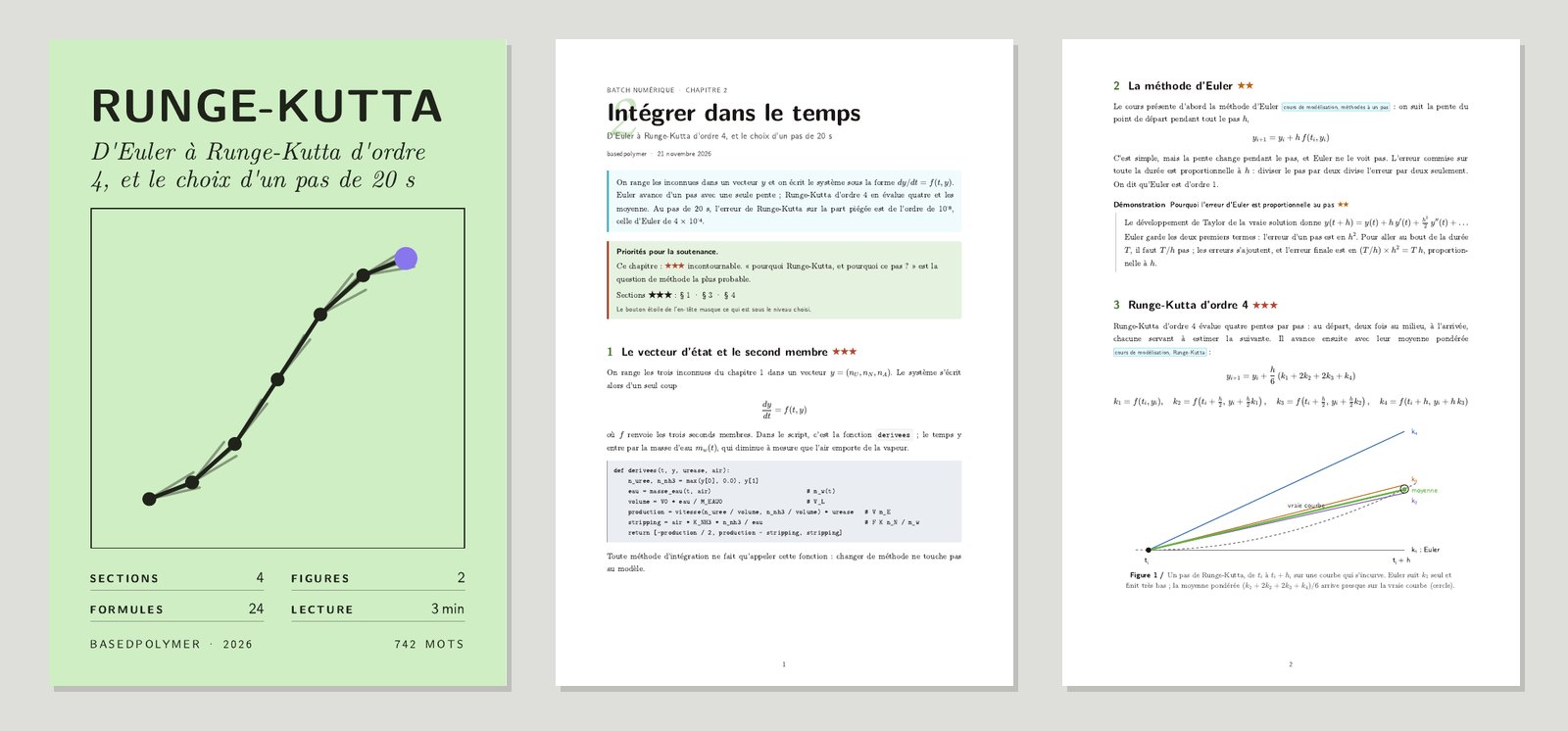
These screenshots come from the example course (in French): four chapters written from an anonymised student project, the numerical solution of a reactive batch, with one toy per chapter that recomputes the batch in the page.
Open the example course The example page, component by component
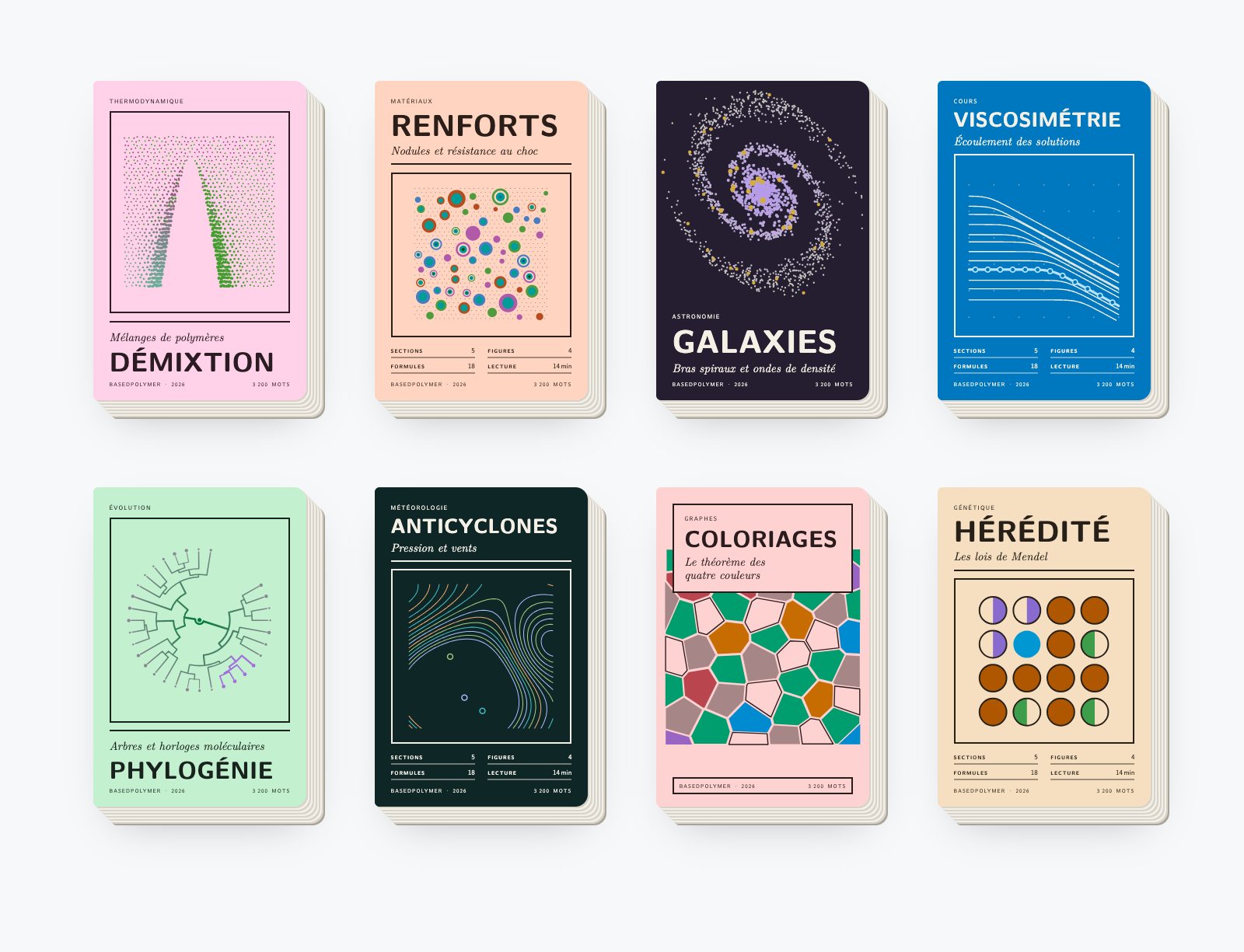
A cover, on request, starts from an abstract motif drawn from the structure of the subject: Claude picks it among 183, sorted into fourteen fields, from polymers to medicine and the humanities (Figure 6). The page’s favicon reuses the motif’s mark, and its tab title the short title.
When no motif fits the subject, Claude draws a custom cover from a structure of the subject: the example course has five, one per page (the steps of Runge-Kutta, the cuts of a bisection…).
All the motifs and their favicons
3A toy in action
Toys are figures with sliders, written in a few lines with the skill’s toolbox. This one plots the Gibbs free energy of mixing of two polymers; beyond , the curve has two minima and the blend phase-separates.
Curve of a symmetric blend
4Install
You need Python 3.10 or later, pandoc and node; for the PDF and the sharing image, Google Chrome, or failing that Microsoft Edge. The skill is installed as a plugin, from within a Claude Code session:
/plugin marketplace add basedpolymer/atelier-monet
/plugin install textured@atelier-monet
It can also be installed by hand: clone the repository and put the plugins/textured/skills/textured folder in ~/.claude/skills/textured. The atelier-monet repository gathers the skills and tools I use with my AI agents.
5Asking for a document
Just name the template; extras go in the same sentence (Table 1).
| You say | Claude does |
|---|---|
“… in TeXtured”, /textured |
writes nom.md, picks the ink, builds nom.html, fixes the source until the report is clean |
| “… as a PDF too” | adds nom.pdf in A4 |
| “… with a toy on …” | writes a figure with sliders using the toolbox |
| “… with exercises”, “… with an MCQ” | adds exercises, MCQs, numerical questions; without this request, none |
| “… with a cover” | picks a motif from the subject and draws the cover |
| “… in English” | interface, dates and buttons in English |
A course is requested the same way, by saying what it covers, how many chapters and for which exam:
“Write a complete course in TeXtured on polymer viscometry, four chapters, for written exam 1: toys where they help, revision priorities, and exercises at the end of each chapter.”
Claude then writes a folder, a home page and one source per chapter, and a single command builds everything:
viscometry/
  index.md            cours: Viscometry · epreuve: written exam 1 · tirage
  01-flow.md          chapitre: 1 · priorite: 3 — comes up in every written exam
02-capillary.md chapitre: 2 · priorite: 26Light on tokens
The skill is cheap for the agent that uses it. When it is not in use, only its description is loaded, about a hundred tokens. In use, its instructions take about 1,100; the rest (courses, exercises, toys, covers) is read only if the request calls for it. Claude writes only a short source and never rereads the generated page: the one-line report is enough.